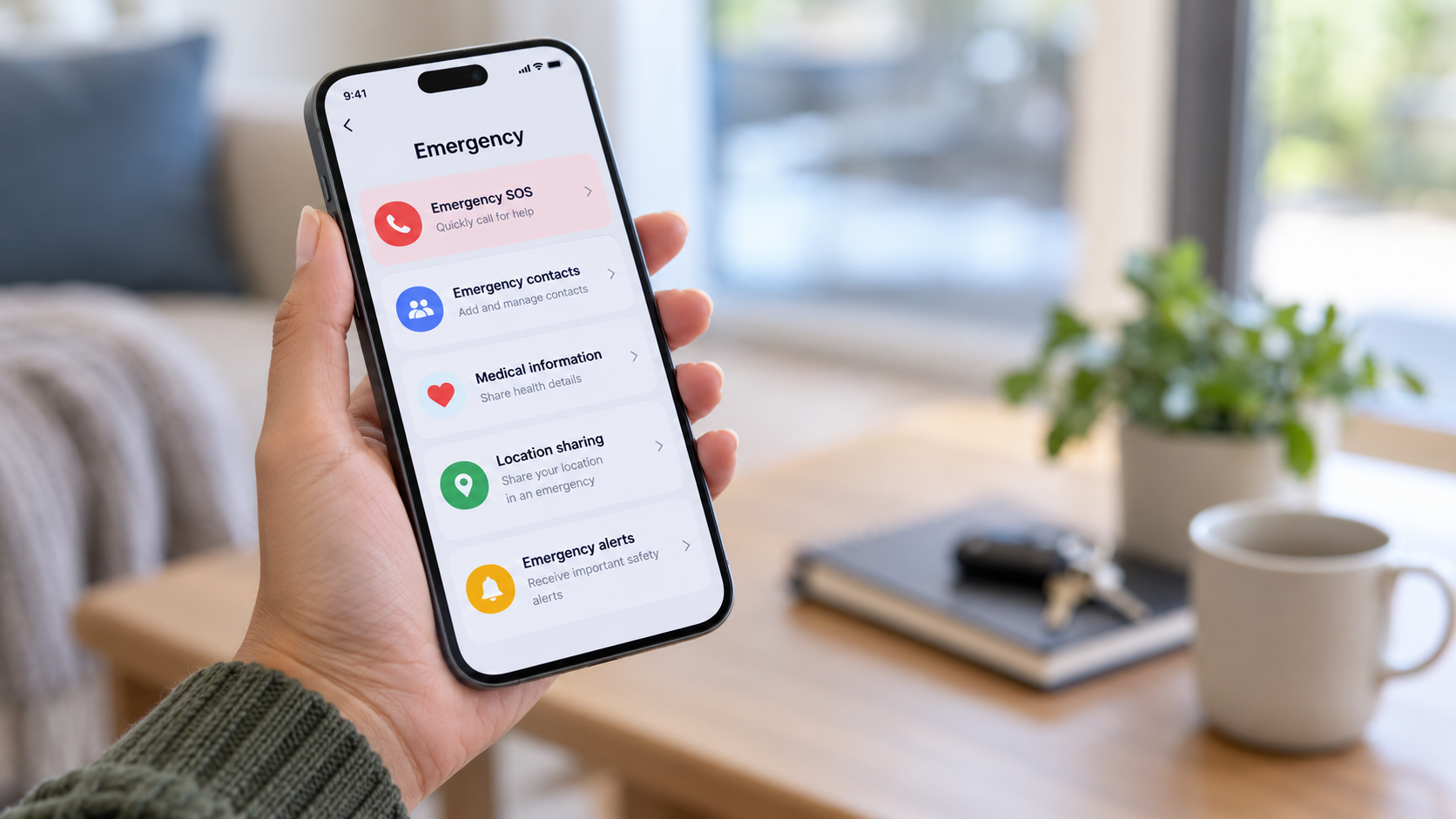
An app may provide driver details, trip tracking and emergency features. These tools are useful, but they do not remove every risk.
Check the trip before you get into the vehicle.
Match the details
Compare the vehicle with the information in the app:
- registration number;
- make and model;
- colour; and
- driver’s photograph.
Ask the driver who they are collecting instead of giving your name first.
Do not get into a vehicle because the driver knows your name or destination. That information may be visible or overheard.
If the details do not match, do not enter the vehicle. Cancel from a safer place and report the discrepancy through the app.
Use the available safety features
Depending on the service and your location, the app may allow you to:
- use a pickup code or PIN;
- share the trip with a trusted contact;
- add trusted contacts;
- access an emergency function;
- report a safety concern; or
- record audio.
Check which features are available before the trip. Do not wait for an emergency to search through the app.
During the trip
Follow the route on your own phone where possible. A route may change for a legitimate reason, but you may ask the driver to explain an unexpected turn or stop.
If you feel unsafe:
- contact someone you trust;
- use the app’s safety function;
- ask to stop at a busy, well-lit place if it is safe to do so;
- alert private security or your local response network; or
- call emergency services.
Avoid confronting the driver if doing so may increase the danger.
After the trip
Report serious concerns through the app and to the police where appropriate. Save screenshots of the driver, vehicle and trip details before they disappear from the active-trip screen.
A tracked trip is useful information. It is not a guarantee that someone is actively monitoring the journey or will respond immediately.